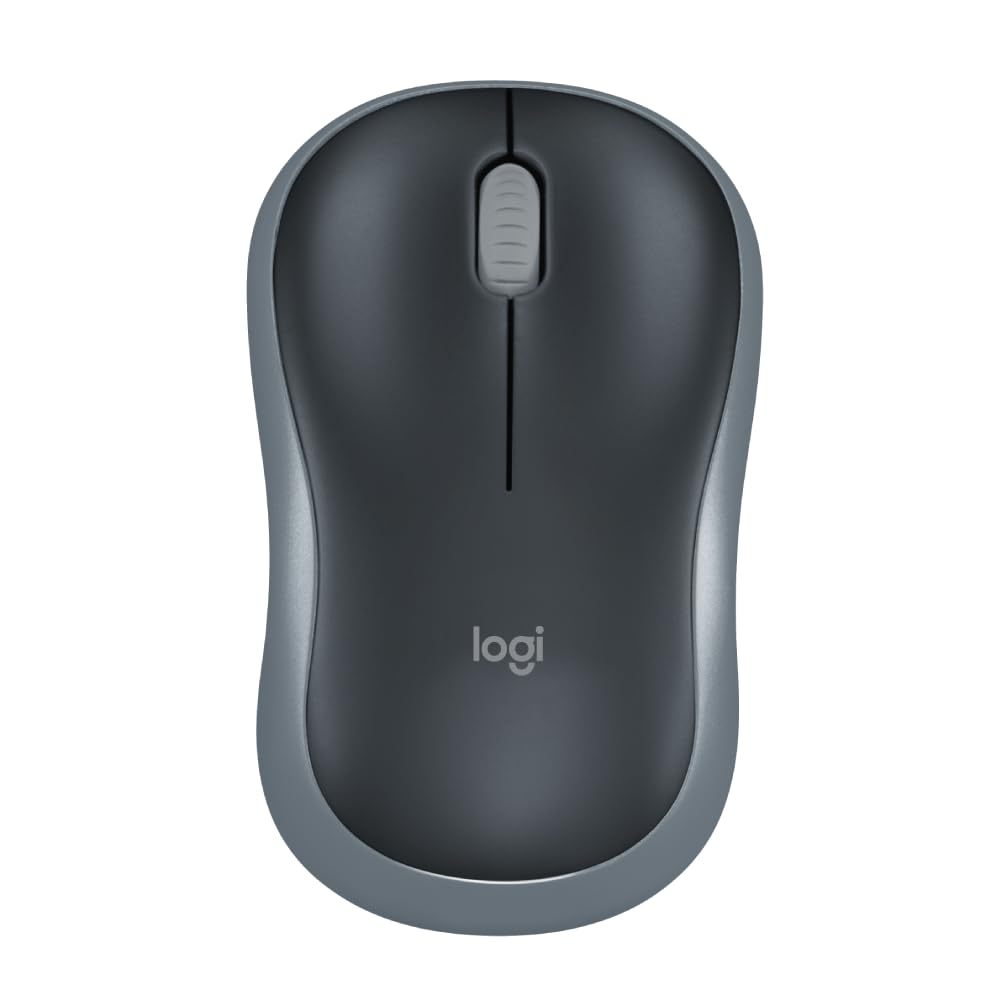


Durable and Reliable: This wireless USB mouse features a line-by-line scroll wheel, up to 1 year of battery life (2) thanks to a smart sleep mode function, and comes with the included AA battery

Wireless Mouse with USB


Original price was: ₹1,195.00.₹495.00Current price is: ₹495.00.
Durable and Reliable: This wireless USB mouse features a line-by-line scroll wheel, up to 1 year of battery life (2) thanks to a smart sleep mode function, and comes with the included AA battery
Wireless Mouse with USB
In today’s fast-paced digital world, a reliable and efficient computer mouse is essential for seamless productivity. The Logitech M185 Wireless Mouse with USB stands out as a top choice for users seeking a compact, durable, and versatile mouse that outperforms traditional touchpads. With its ergonomic design, long-lasting battery life, and plug-and-play simplicity, this ambidextrous wireless mouse is perfect for both right- and left-handed users. Whether you’re a professional, student, or casual user, the Logitech M185 is designed to enhance your workflow and provide unmatched convenience. In this comprehensive guide, we’ll explore why the Wireless Mouse with USB is a game-changer, diving into its features, benefits, and why it’s a must-have accessory for your Windows PC, Mac, or laptop.
A wireless mouse with USB offers the perfect blend of portability, reliability, and ease of use. Unlike wired mice, which can clutter your workspace, or Bluetooth mice, which may require complex pairing processes, a wireless mouse with a USB receiver provides a hassle-free experience. The Logitech M185, in particular, is a standout option in this category, offering universal compatibility, a comfortable grip, and superior performance compared to touchpads. Let’s dive into the key features that make the Logitech M185 a top-tier wireless mouse with USB.
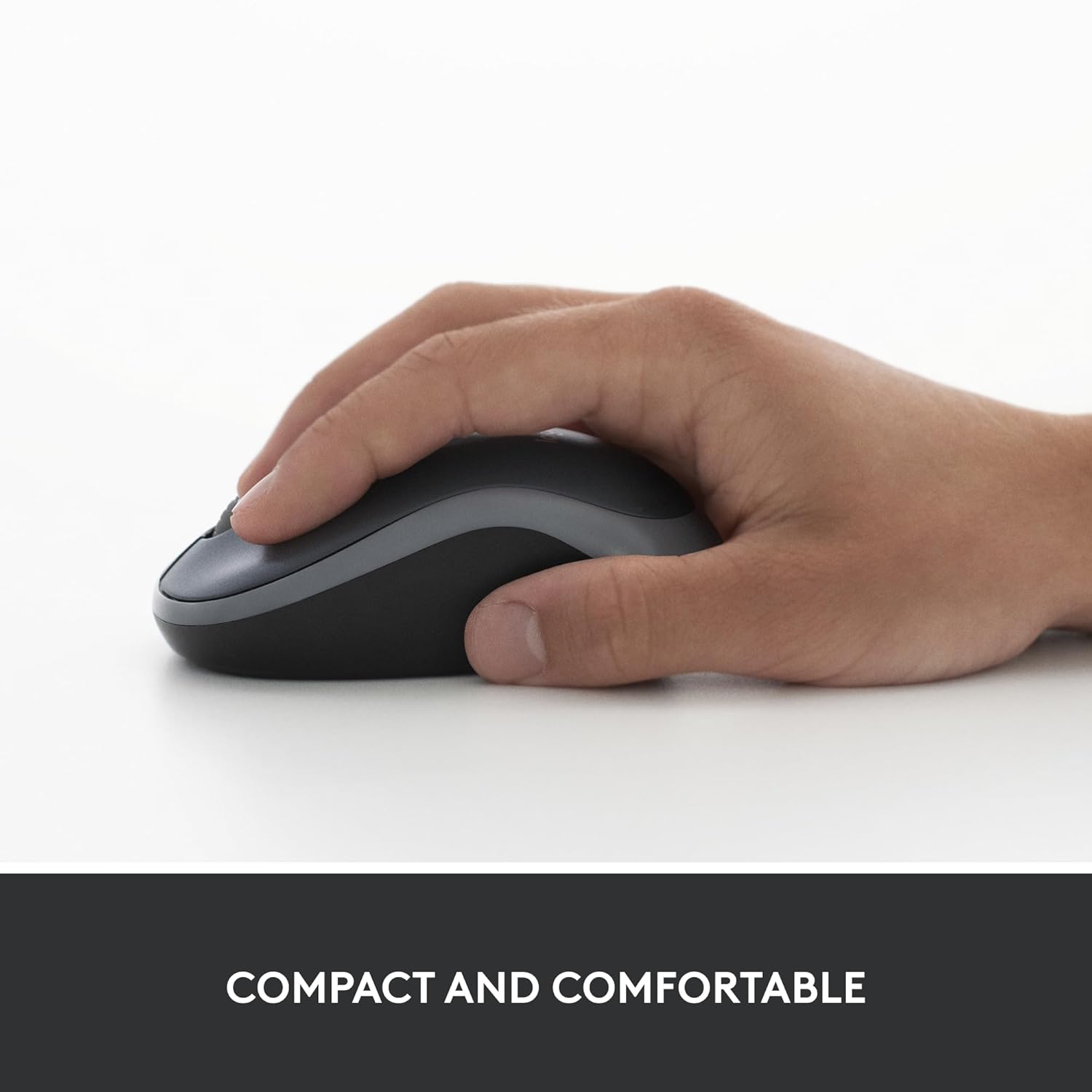
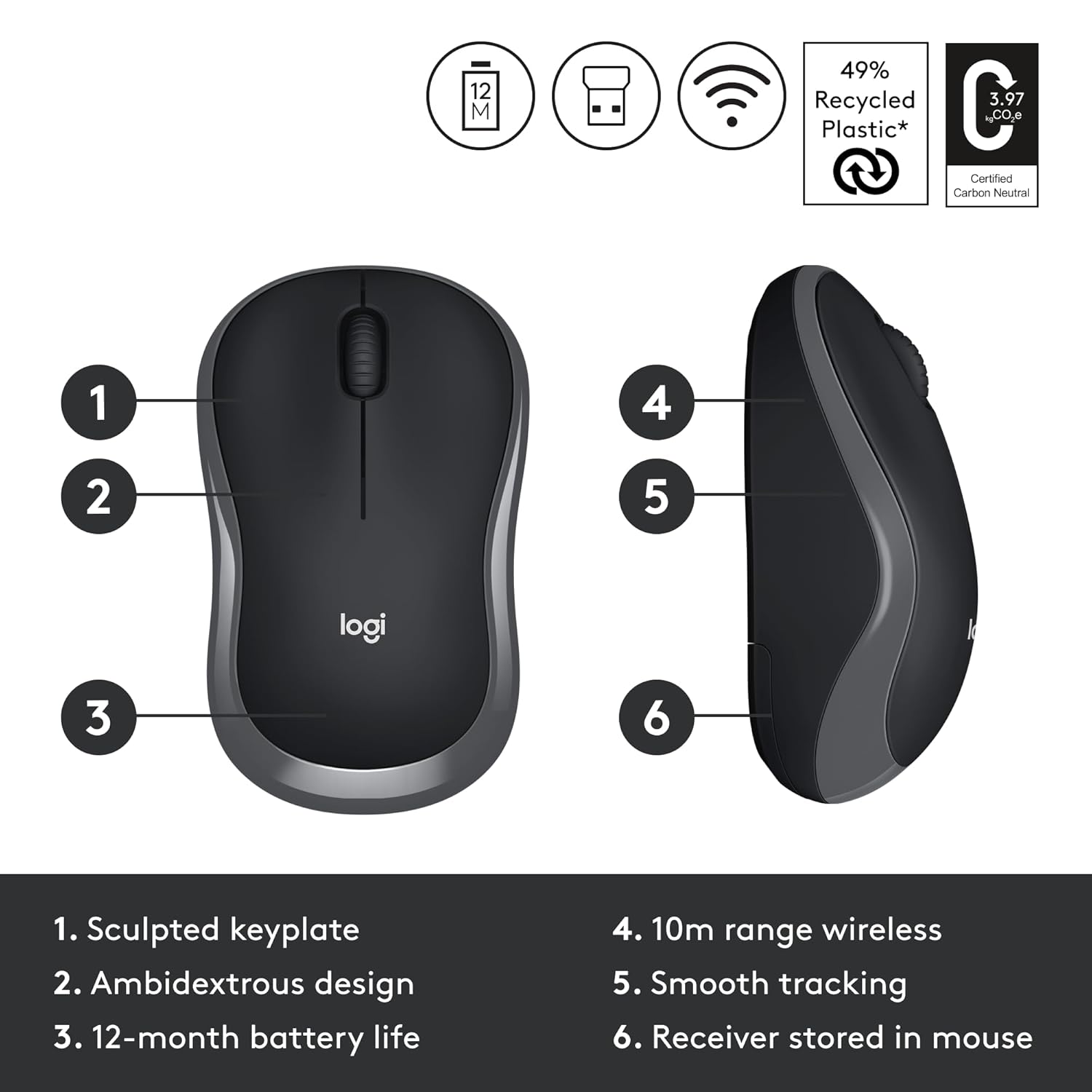
One of the standout features of the Logitech M185 wireless mouse with USB is its ergonomic, contoured shape. Designed to fit comfortably in either the right or left hand, this ambidextrous mouse caters to a wide range of users. Whether you’re working long hours on a project, browsing the web, or gaming casually, the M185 ensures your hand remains comfortable and strain-free.
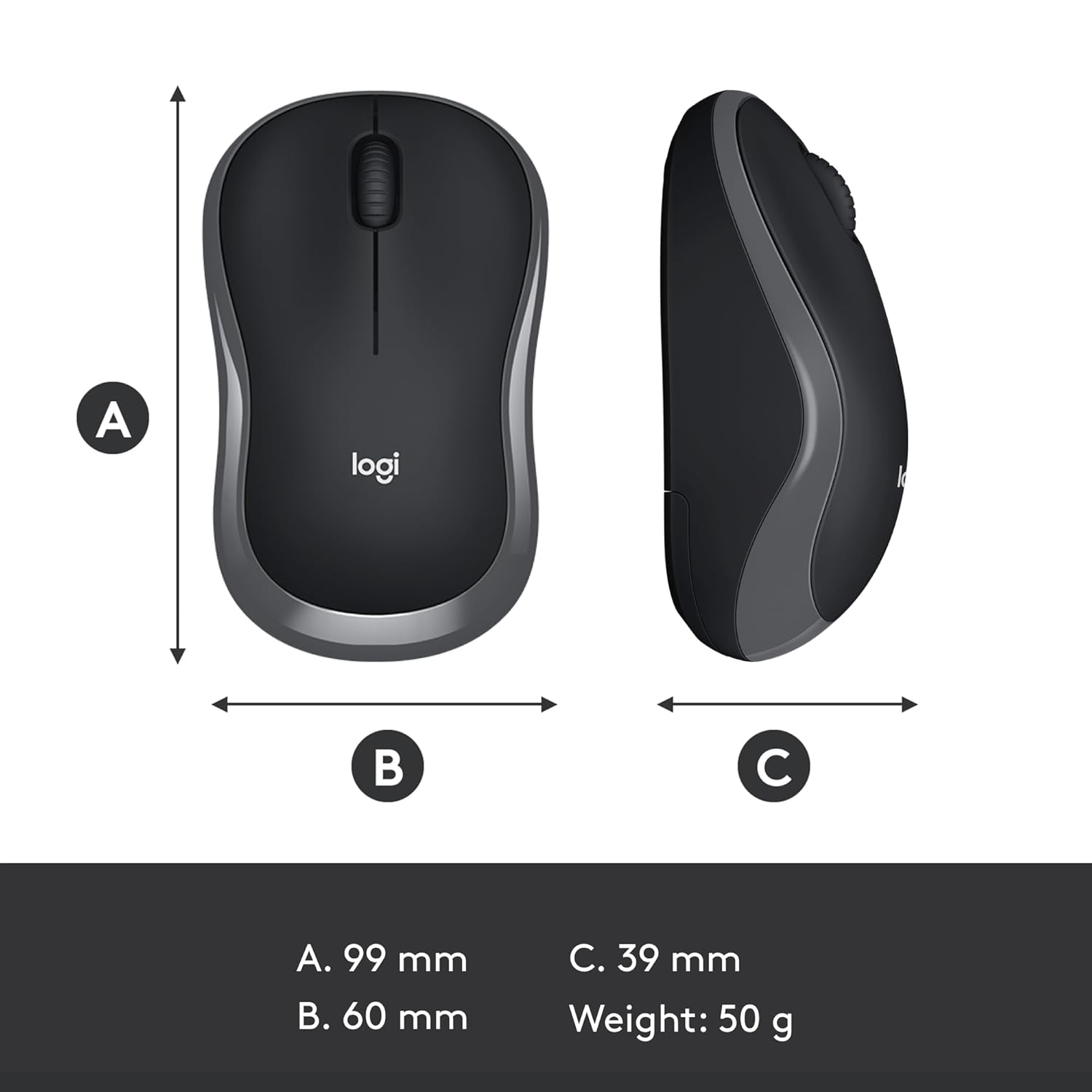
The compact design of this wireless mouse with USB makes it highly portable, easily fitting into a laptop bag or even your pocket. Its smooth, curved edges provide a natural grip, reducing fatigue during extended use. Unlike bulky mice that can feel cumbersome, the Logitech M185 strikes the perfect balance between size and functionality, making it an ideal companion for both home and on-the-go use.
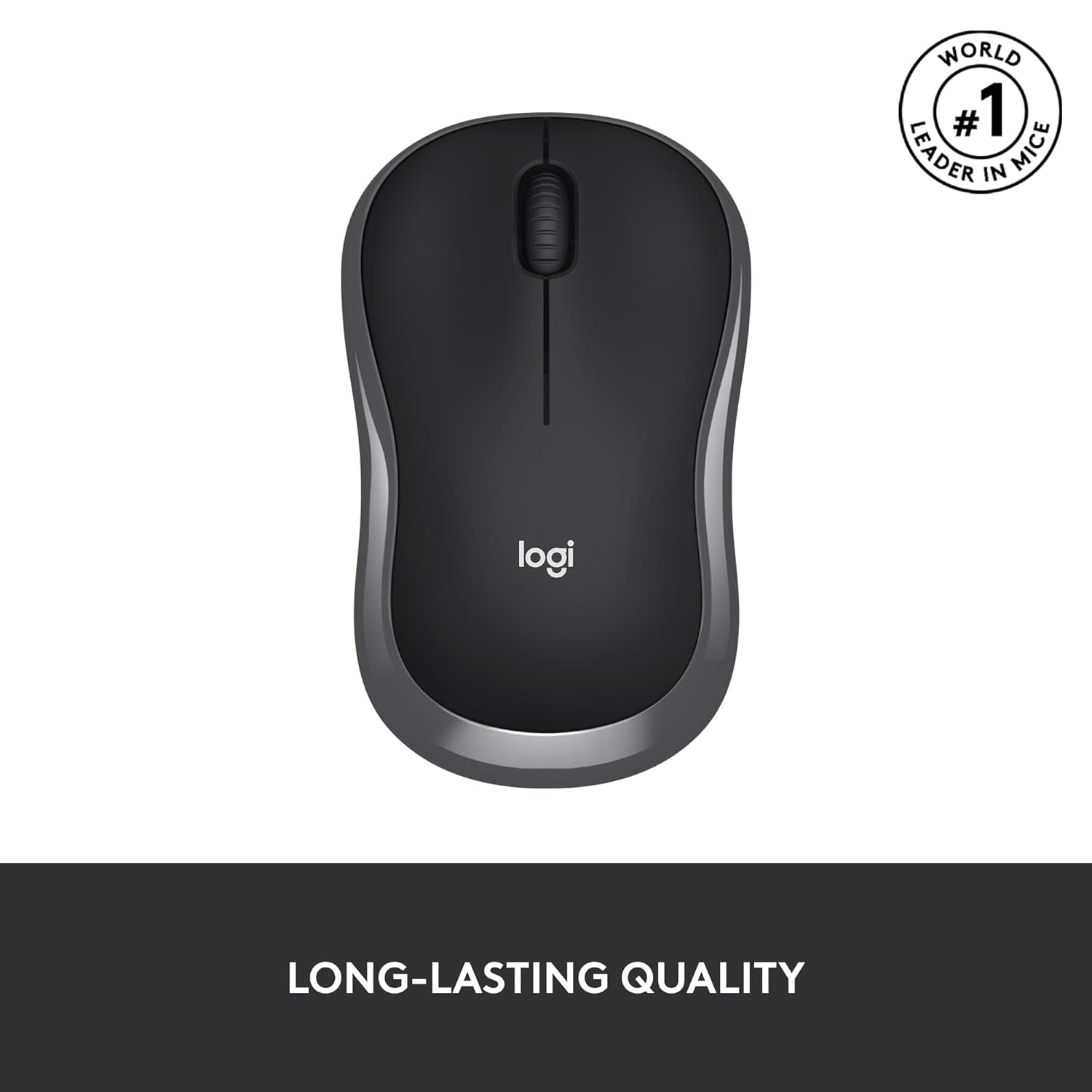
When investing in a wireless mouse with USB, durability and reliability are key considerations. The Logitech M185 excels in both areas, offering a robust build that withstands daily wear and tear. Equipped with a line-by-line scroll wheel, this mouse ensures precise navigation, whether you’re scrolling through documents, spreadsheets, or web pages.
One of the most impressive features of the Logitech M185 is its exceptional battery life. Thanks to its smart sleep mode function, the mouse can last up to one year on a single AA battery (included with the purchase). This energy-efficient design minimizes the need for frequent battery replacements, saving you time and money. The smart sleep mode automatically powers down the mouse when it’s not in use, ensuring maximum efficiency without sacrificing performance.
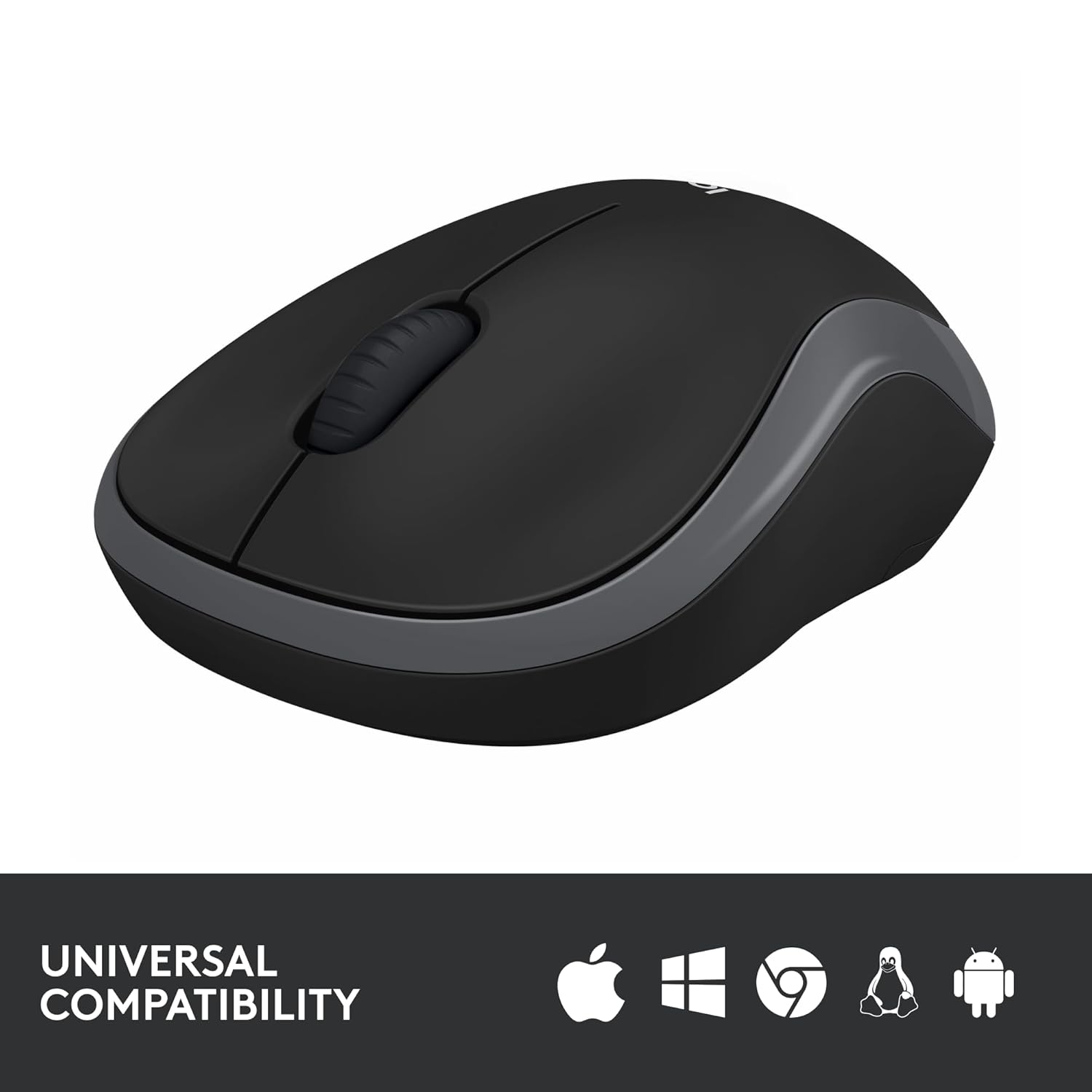
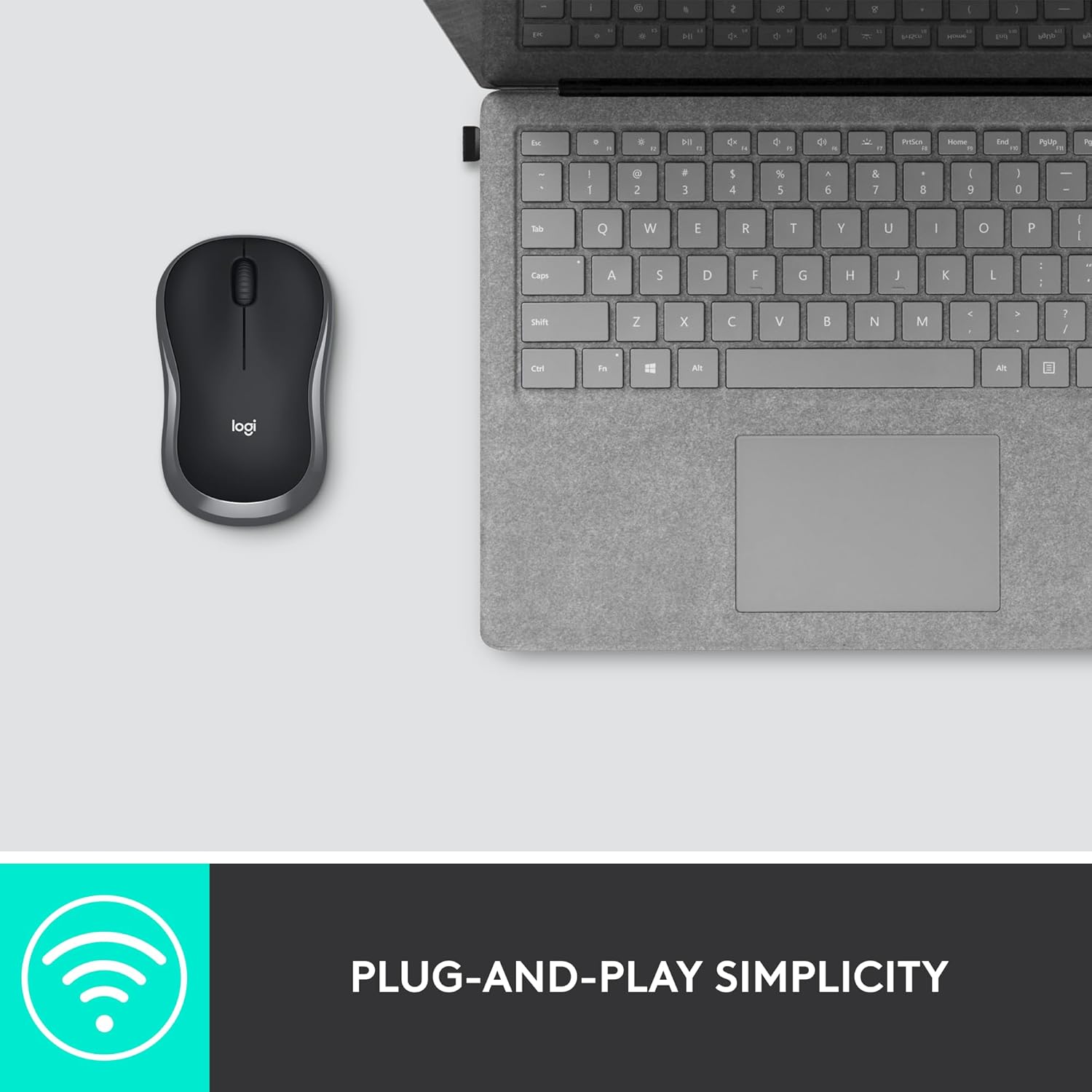
The Logitech M185 wireless mouse with USB is designed to work effortlessly with a wide range of devices. Whether you use a Windows PC, Mac, or laptop, this mouse is universally compatible, making it a versatile choice for users with multiple devices. No additional software or drivers are required—just plug in the tiny nano USB receiver, and you’re ready to go.
This plug-and-play simplicity is one of the reasons why the Logitech M185 is a favorite among users. The nano USB receiver establishes a strong, reliable connection up to 10 meters (33 feet), giving you the freedom to work or play without being tethered to your device. Whether you’re upgrading from an older mouse or replacing a touchpad, the M185 ensures a seamless transition across all your devices.
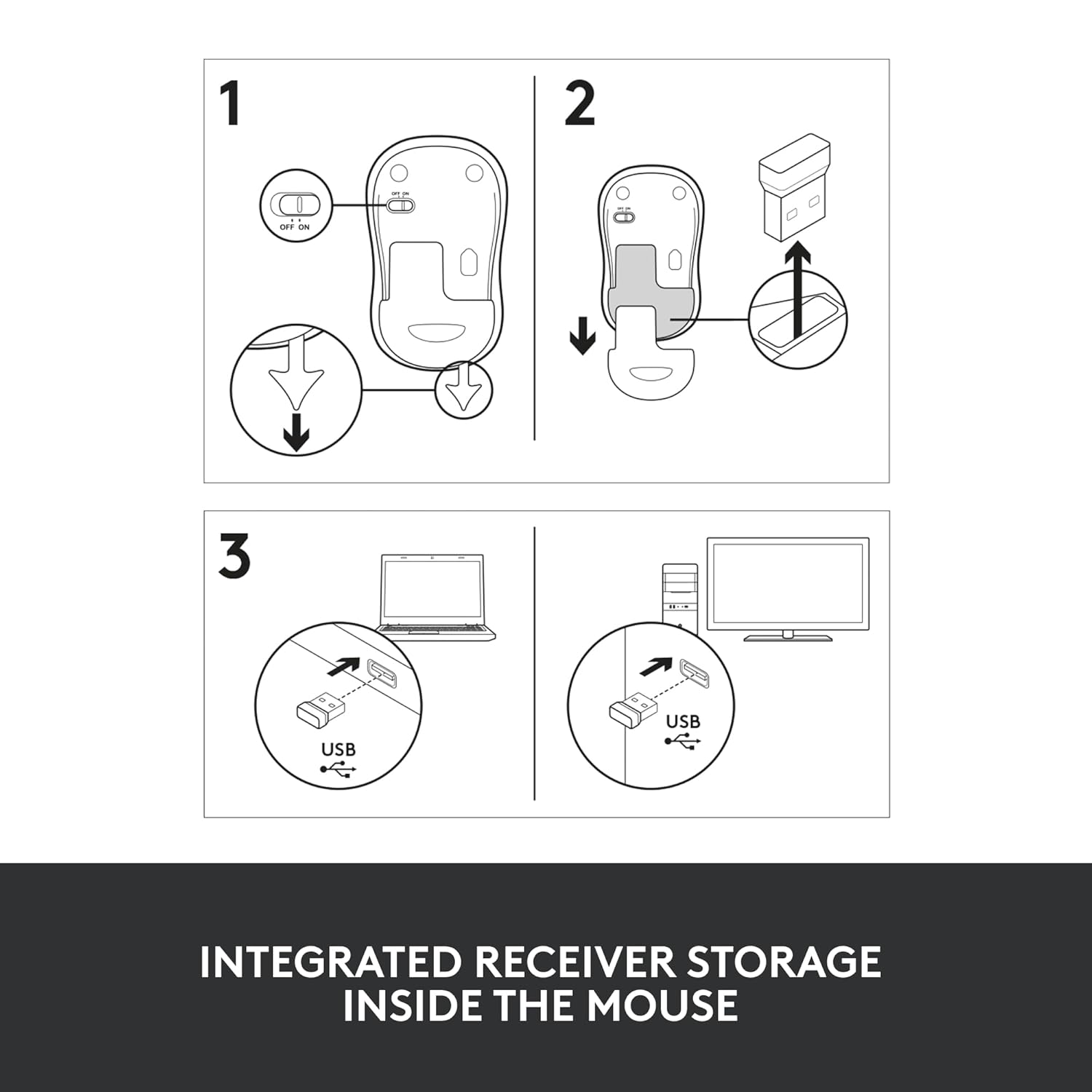
Setting up the Logitech M185 wireless mouse with USB is as easy as it gets. Simply plug the nano USB receiver into an available USB port on your computer, and the mouse is ready to use in seconds. There’s no need for complicated pairing processes or software installations, making it an ideal choice for users of all technical skill levels.
The nano USB receiver is so small that you can leave it plugged into your laptop without worrying about it protruding or getting in the way. For those who frequently travel with their laptops, this feature is a game-changer, as it eliminates the need to constantly remove and reinsert the receiver. The reliable 2.4 GHz wireless connection ensures lag-free performance, allowing you to work or play with confidence.
Touchpads, while convenient for basic tasks, often fall short in terms of precision and speed. The Logitech M185 wireless mouse with USB is a significant upgrade, offering a smoother and more efficient user experience. According to a recent study, laptop users who switched from a touchpad to a mouse like the M185 were 50% more productive and worked 30% faster. This boost in efficiency is attributed to the mouse’s precise cursor control, comfortable grip, and responsive scroll wheel.
Whether you’re editing documents, navigating complex spreadsheets, or browsing the web, the Logitech M185 allows you to work with greater accuracy and speed. The line-by-line scroll wheel is particularly useful for tasks that require precise scrolling, such as reviewing lengthy reports or coding. By choosing a wireless mouse with USB like the M185, you can significantly enhance your workflow and get more done in less time.
The Logitech M185 is more than just a wireless mouse with USB—it’s a tool designed to improve your computing experience. Here are some of the key benefits that make this mouse a must-have:
The ergonomic design of the Logitech M185 ensures that your hand remains comfortable even during extended periods of use. Its ambidextrous shape accommodates both right- and left-handed users, making it a versatile choice for households or shared workspaces. The smooth, contoured edges reduce strain on your wrist and fingers, allowing you to work or play for hours without discomfort.
With up to one year of battery life, the Logitech M185 eliminates the hassle of frequent battery changes. The included AA battery, combined with the smart sleep mode, ensures that the mouse remains powered for extended periods. This feature is particularly beneficial for users who rely on their mouse for daily tasks and don’t want to worry about recharging or replacing batteries frequently.
The Logitech M185 wireless mouse with USB uses a 2.4 GHz wireless connection via a nano USB receiver, providing a strong and stable connection up to 10 meters. This allows you to work or play from a distance without experiencing lag or disconnections. The nano receiver is small enough to stay plugged into your device, making it ideal for travel or mobile use.
Whether you’re using a Windows PC, Mac, or laptop, the Logitech M185 is designed to work seamlessly across all platforms. This universal compatibility ensures that you can use the mouse with your current device and any future devices you may purchase. The plug-and-play setup eliminates the need for additional software, making it a hassle-free solution for all users.
Despite its premium features, the Logitech M185 wireless mouse with USB is surprisingly affordable, making it an excellent value for money. You get the reliability and performance of a high-quality Logitech product without breaking the bank. Whether you’re a student, professional, or casual user, the M185 offers exceptional performance at a budget-friendly price.
The Logitech M185 is a versatile wireless mouse with USB that caters to a wide range of users. Here are some scenarios where the M185 shines:
Professionals: If you spend hours working on documents, spreadsheets, or presentations, the M185’s precise cursor control and comfortable design will help you stay productive.
Students: For students who need a reliable mouse for studying, research, or note-taking, the M185’s portability and long battery life make it a perfect companion.
Casual Users: Whether you’re browsing the web, gaming casually, or managing daily tasks, the M185 offers a smooth and responsive experience.
Travelers: The compact design and nano USB receiver make the M185 easy to carry, ensuring you can work comfortably on the go.
When choosing a wireless mouse with USB, it’s important to compare your options to ensure you’re getting the best value for your money. The Logitech M185 stands out in the crowded market of wireless mice due to its combination of affordability, reliability, and performance. Here’s how it compares to other mice in its category:
Ergonomics: While some wireless mice are designed for specific hand orientations, the M185’s ambidextrous design makes it suitable for both right- and left-handed users.
Battery Life: Many wireless mice require frequent battery replacements or recharging, but the M185’s one-year battery life sets it apart as a low-maintenance option.
Price: Compared to premium wireless mice with advanced features like programmable buttons or RGB lighting, the M185 offers essential functionality at a fraction of the cost.
Compatibility: Unlike Bluetooth mice that may require specific operating systems or pairing processes, the M185’s USB receiver ensures universal compatibility and instant setup.
To maximize your experience with the Logitech M185, consider the following tips:
Keep the USB Receiver Secure: The nano USB receiver is small and easy to misplace. Store it in the mouse’s built-in compartment when not in use to avoid losing it.
Use a Mouse Pad: While the M185 works on most surfaces, using a mouse pad can enhance precision and reduce wear on the mouse’s feet.
Replace the Battery Annually: To ensure uninterrupted performance, replace the AA battery once a year or when the mouse starts to lag.
Clean the Mouse Regularly: Dust and debris can accumulate on the sensor or scroll wheel, affecting performance. Clean the mouse periodically with a soft cloth to maintain optimal functionality.
Update Your Device Drivers: While the M185 is plug-and-play, keeping your computer’s USB drivers up to date can ensure a stable connection.
If you’re still using your laptop’s touchpad, it’s time to upgrade to a wireless mouse with USB like the Logitech M185. Touchpads are often less precise, slower, and more prone to accidental inputs, which can hinder your productivity. The M185’s dedicated buttons, scroll wheel, and precise optical sensor provide a superior user experience, allowing you to navigate with ease and accuracy.
The aforementioned study highlighting a 50% increase in productivity and 30% faster work speed for mouse users compared to touchpad users underscores the M185’s value. Whether you’re clicking through menus, dragging files, or scrolling through long documents, the M185 offers a level of control that touchpads simply can’t match.
The Logitech M185 wireless mouse with USB is a perfect blend of comfort, reliability, and affordability. Its contoured, ambidextrous design ensures a comfortable grip for both right- and left-handed users, while its long-lasting battery life and universal compatibility make it a practical choice for any device. The plug-and-play simplicity, combined with a strong wireless connection, ensures that you can start using the mouse in seconds without any hassle.
Whether you’re looking to boost your productivity, replace an outdated mouse, or upgrade from a touchpad, the Logitech M185 is a top-tier choice. Its durable build, precise performance, and budget-friendly price make it an excellent investment for professionals, students, and casual users alike. Don’t settle for less—choose the Logitech M185 wireless mouse with USB and experience the difference for yourself.
Ready to make the switch? Visit your favorite retailer or Logitech’s official website to get your hands on the M185 today and take your computing experience to the next level!


Reviews
There are no reviews yet.