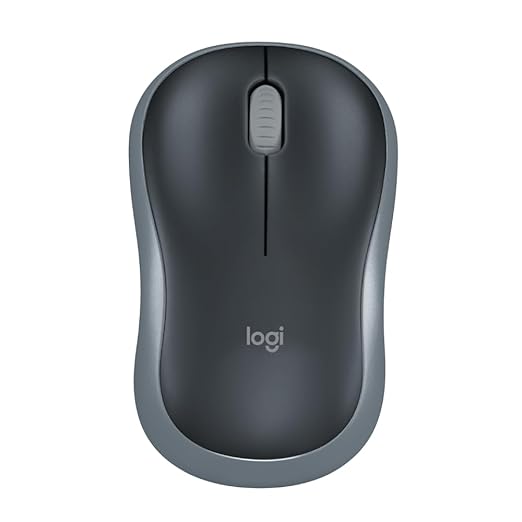
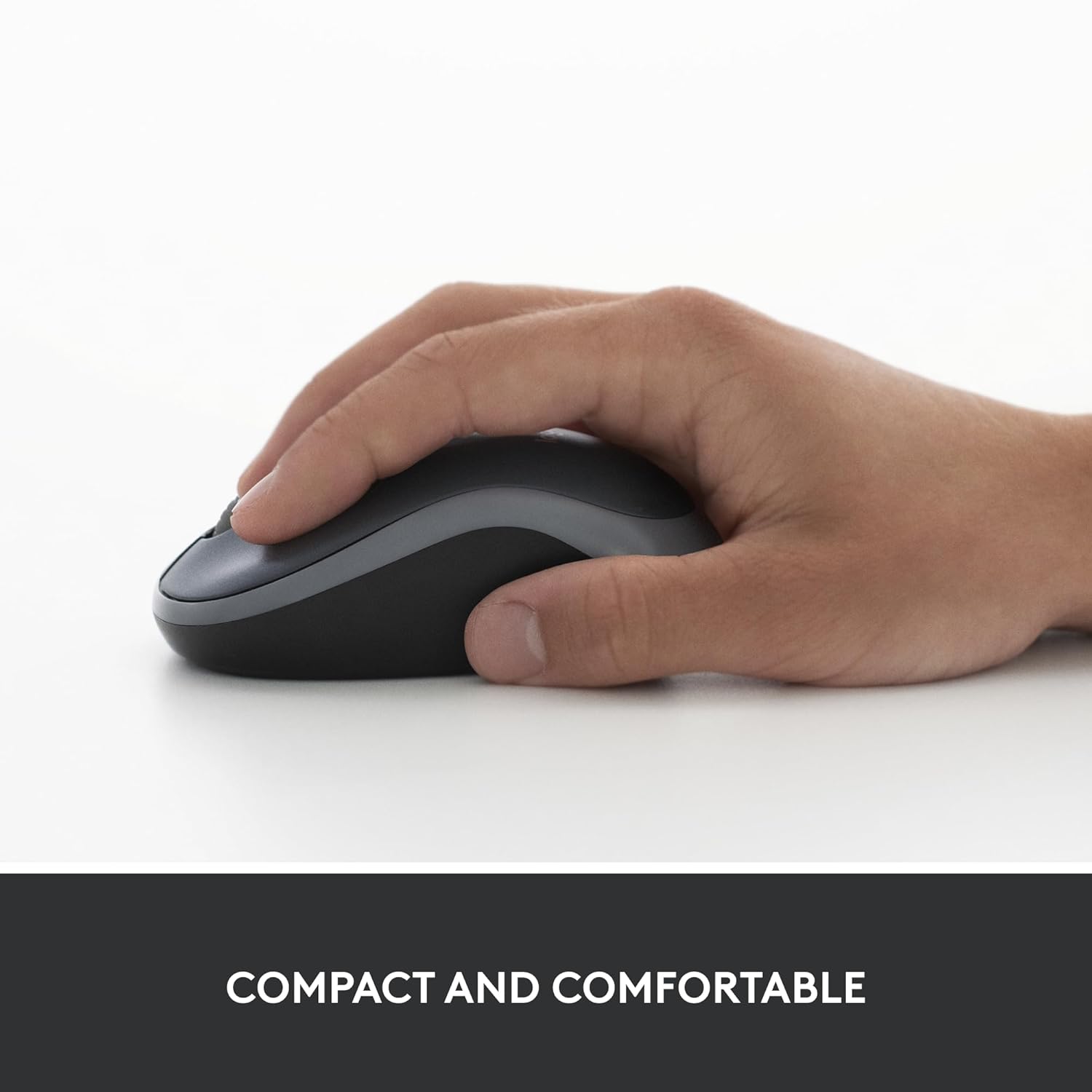

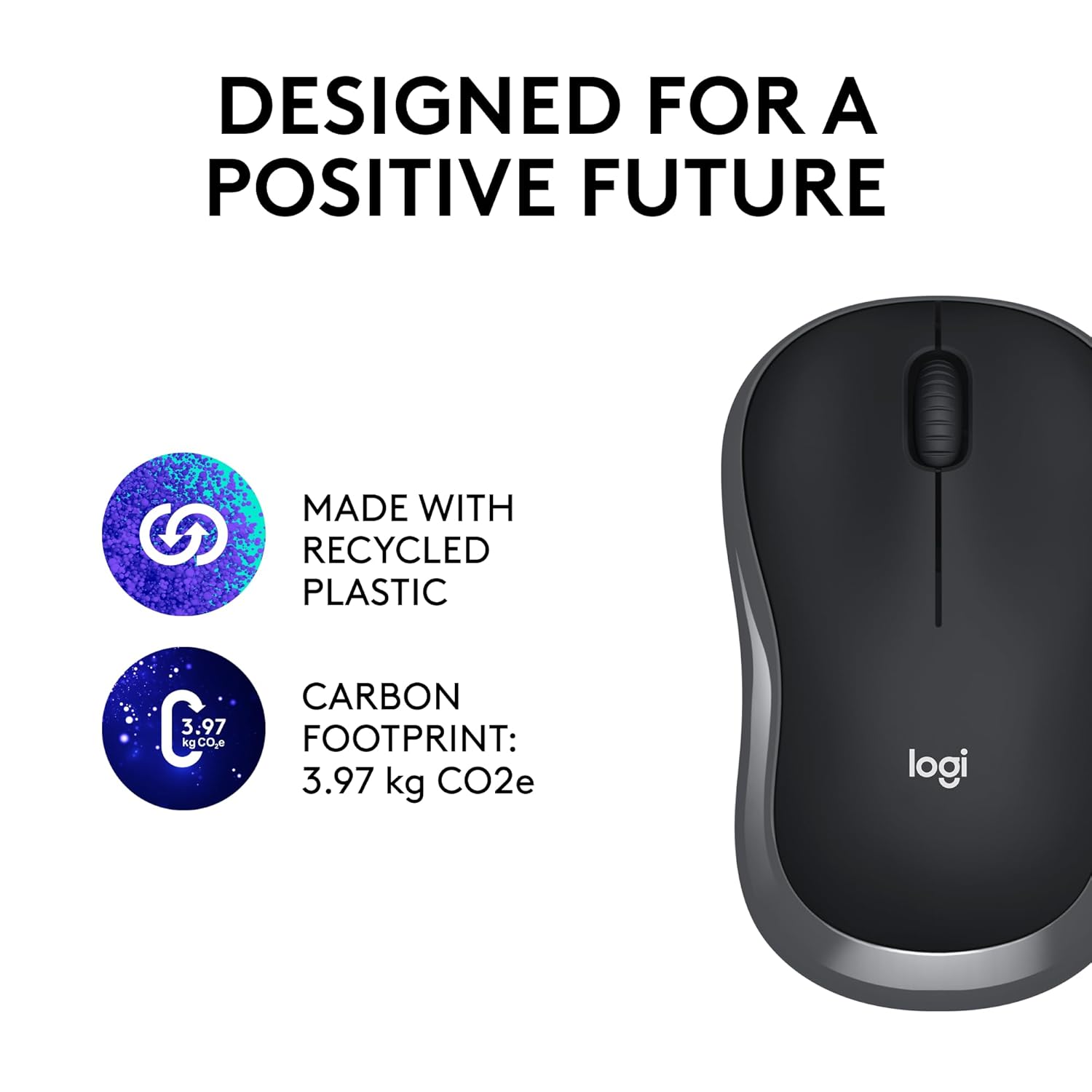
Compact Mouse: With a comfortable and contoured shape, this Logitech ambidextrous wireless mouse feels great in either right or left hand and is far superior to a touchpad

Wireless Mouse


Original price was: ₹1,195.00.₹495.00Current price is: ₹495.00.
Compact Mouse: With a comfortable and contoured shape, this Logitech ambidextrous wireless mouse feels great in either right or left hand and is far superior to a touchpad
Wireless Mouse
In today’s fast-paced digital world, a reliable and efficient wireless mouse is an essential tool for enhancing productivity, whether you’re working from home, in the office, or on the go. The Logitech M185 Wireless Mouse stands out as a compact, durable, and universally compatible device that offers unmatched convenience and performance. Designed for both right- and left-handed users, this ambidextrous mouse combines comfort, functionality, and plug-and-play simplicity to deliver a superior experience compared to traditional touchpads. In this comprehensive guide, we’ll explore why the Logitech M185 is the ideal wireless mouse for professionals, students, and casual users alike, diving into its features, benefits, and why it’s a must-have accessory for your computer setup.
Before we delve into the specifics of the Logitech M185, let’s understand why a wireless mouse is a game-changer for modern computing. Unlike wired mice, wireless mice offer freedom of movement, eliminating the clutter of cables on your desk. They provide seamless connectivity, allowing you to work efficiently without being tethered to your device. Whether you’re navigating spreadsheets, editing documents, or browsing the web, a wireless mouse ensures precision and speed, making it an indispensable tool for productivity.
The Logitech M185 takes these benefits to the next level with its ergonomic design, long-lasting battery life, and universal compatibility. Let’s break down the key features that make this wireless mouse a standout choice.
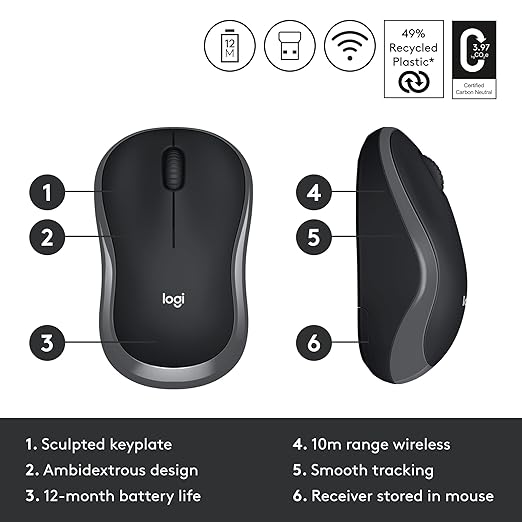
The Logitech M185 is engineered with a contoured shape that fits naturally in your hand, whether you’re right- or left-handed. This ambidextrous design ensures that users of all preferences can enjoy a comfortable grip during extended use. Unlike touchpads, which can cause strain during prolonged sessions, the Logitech M185’s ergonomic design promotes natural hand positioning, reducing fatigue and enhancing comfort.
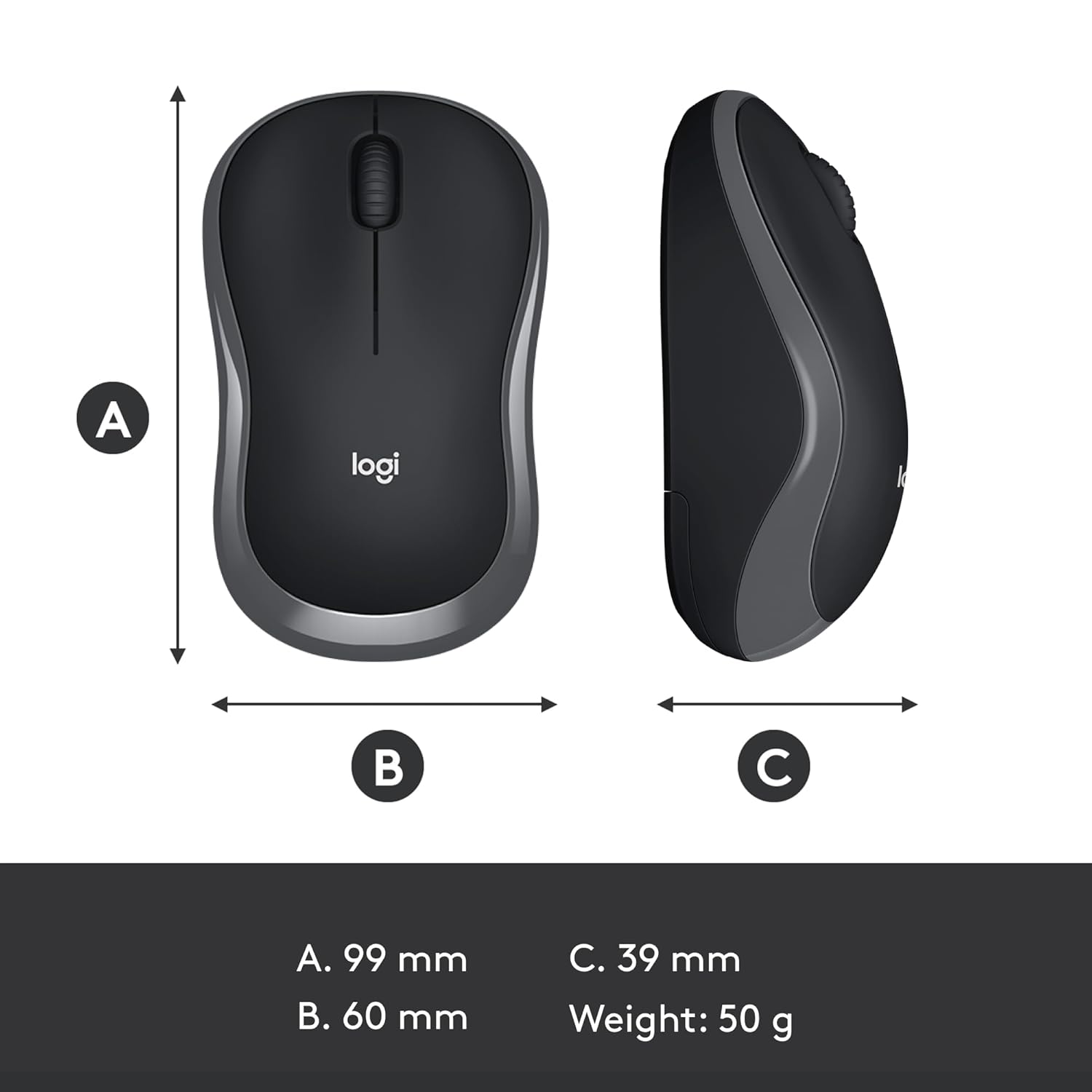
Whether you’re typing up reports, editing creative projects, or browsing the internet, this wireless mouse provides a smooth and intuitive experience. Its compact size makes it easy to carry in a laptop bag, making it an excellent choice for professionals and students who are always on the move.
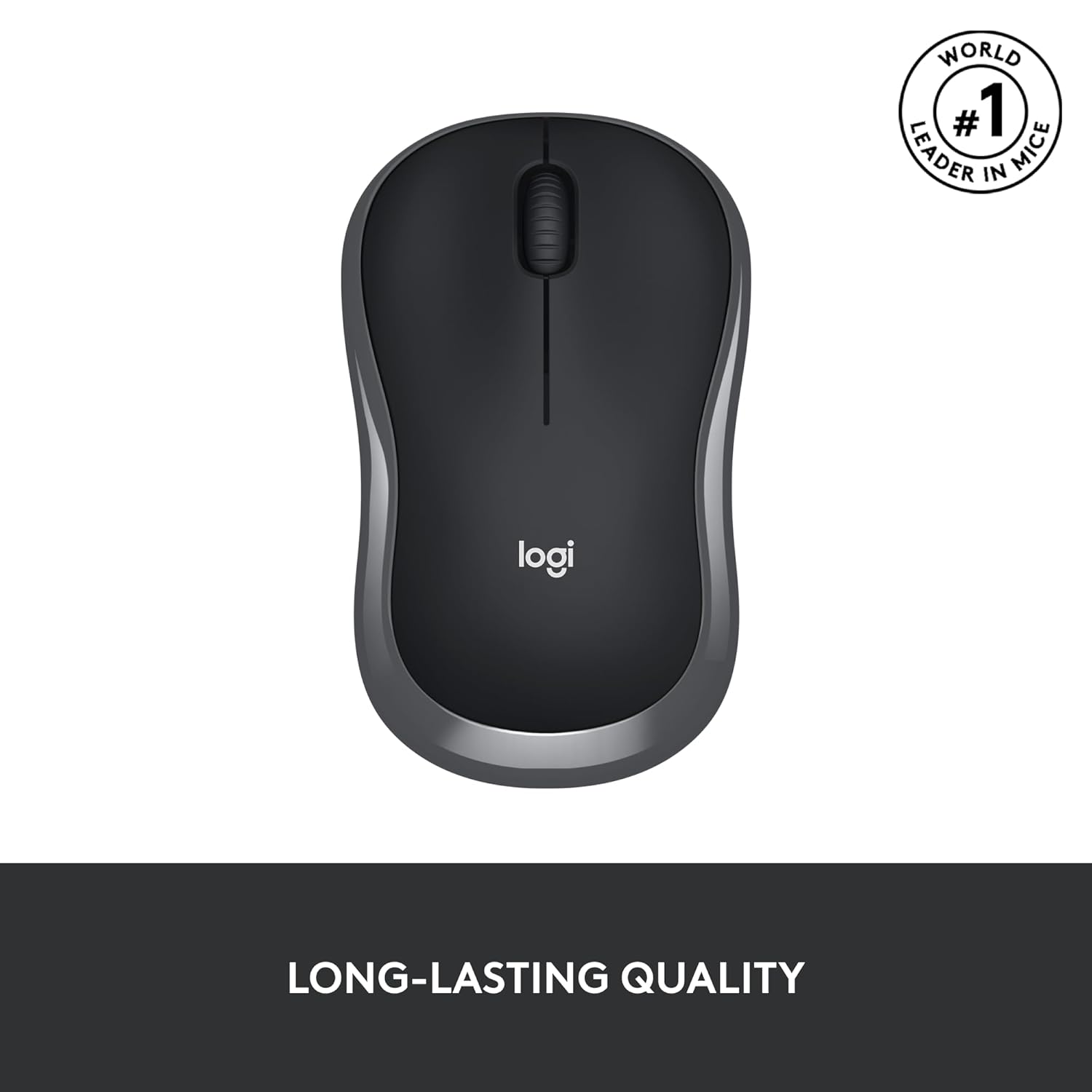
Durability is a hallmark of the Logitech M185. Built to withstand daily use, this wireless mouse is designed to last. It features a high-quality line-by-line scroll wheel that ensures precise navigation, making it ideal for tasks that require accuracy, such as scrolling through long documents or spreadsheets.
One of the standout features of the Logitech M185 is its impressive battery life. Powered by a single AA battery (included with the mouse), it offers up to one year of battery life thanks to its smart sleep mode function. This energy-saving feature automatically puts the mouse into a low-power state when not in use, ensuring you won’t need to replace the battery frequently. This makes the M185 a cost-effective and environmentally friendly choice for users seeking a reliable wireless mouse.
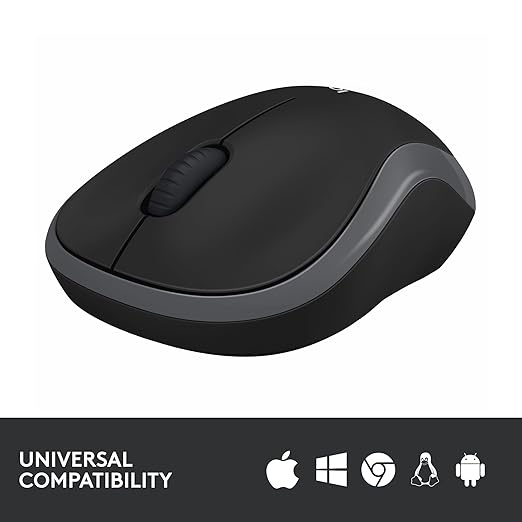
In a world where users switch between different devices and operating systems, compatibility is key. The Logitech M185 wireless mouse is designed to work seamlessly with a wide range of devices, including Windows PCs, Macs, and laptops. Whether you’re using a Windows 10 desktop today or planning to upgrade to a MacBook tomorrow, this mouse will remain compatible, making it a future-proof investment.
The M185’s universal compatibility ensures that you can use it with virtually any computer setup, eliminating the need to purchase multiple mice for different devices. This versatility makes it an excellent choice for students, professionals, and anyone who values flexibility in their tech accessories.
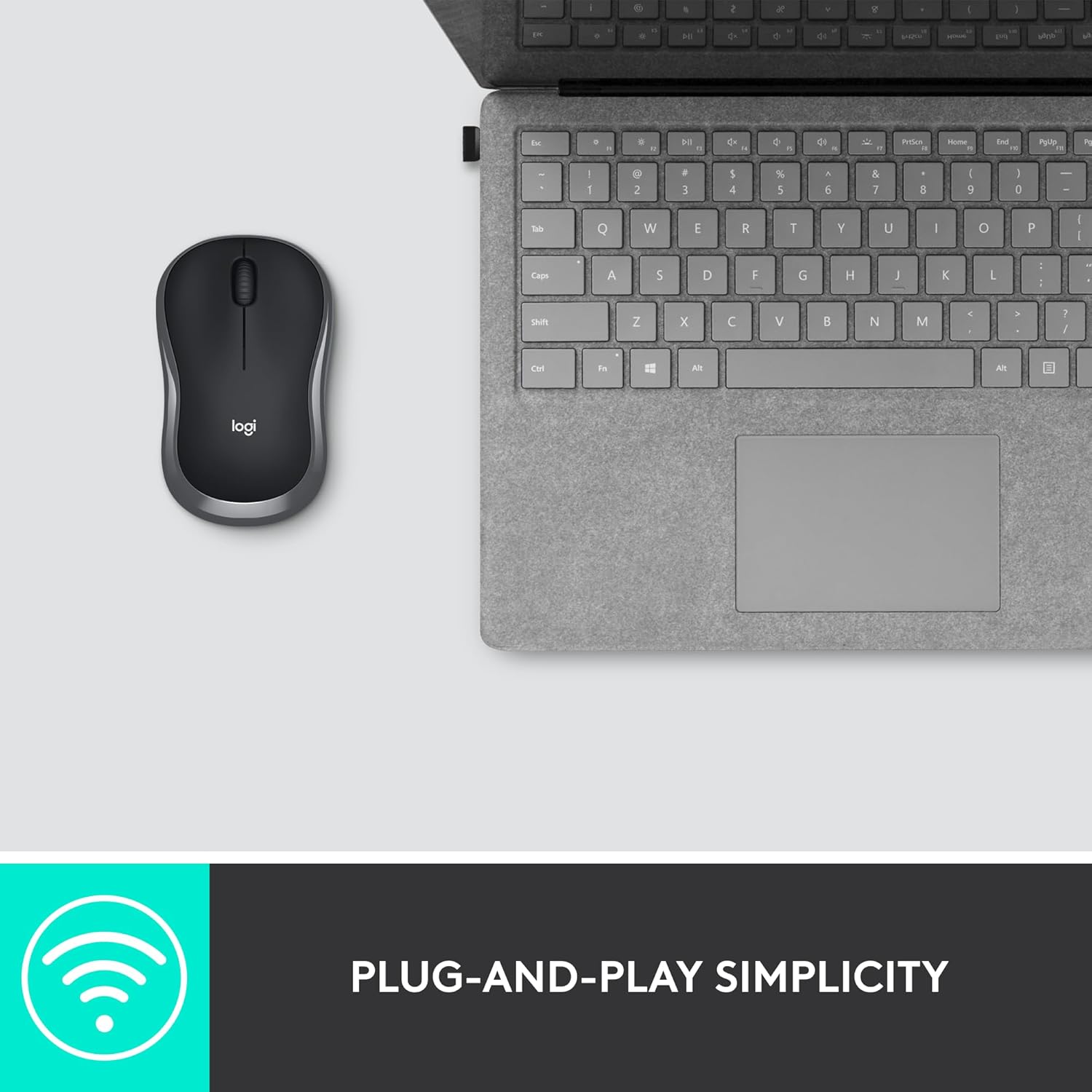
Setting up the Logitech M185 is a breeze. Simply plug the tiny nano USB receiver (Logitech Unifying Receiver) into your computer’s USB port, and you’re ready to go. There’s no need for complicated software installations or pairing processes. The wireless mouse establishes a strong and reliable connection up to 10 meters (33 feet), giving you the freedom to move without sacrificing performance.
The nano receiver is so small that you can leave it plugged into your laptop without worrying about it getting in the way. This plug-and-play simplicity makes the Logitech M185 an ideal choice for users who want a hassle-free setup and instant usability.
For laptop users, the choice between a touchpad and a wireless mouse can significantly impact productivity. According to a recent study, laptop users who switched from a touchpad to a mouse like the Logitech M185 were 50% more productive and worked 30% faster. This is because a wireless mouse offers greater precision and control, allowing you to navigate your screen with ease and efficiency.
Touchpads, while convenient for basic tasks, often lack the accuracy and speed required for complex workflows. The Logitech M185’s responsive tracking and smooth scrolling make it a superior alternative, helping you complete tasks faster and with less frustration.
The Logitech M185 is designed to help you get more done in less time. Its precise cursor control and smooth scrolling enable you to navigate documents, websites, and applications with ease. Whether you’re a student working on assignments, a professional managing multiple projects, or a casual user browsing the web, this wireless mouse streamlines your workflow and boosts efficiency.
The compact and lightweight design of the Logitech M185 makes it an excellent companion for users who are always on the move. Whether you’re working from a coffee shop, attending classes, or traveling for business, this wireless mouse easily fits into your bag and provides reliable performance wherever you go.
With its long battery life and durable construction, the Logitech M185 is a cost-effective solution for users seeking a high-quality wireless mouse without breaking the bank. The included AA battery and smart sleep mode ensure that you won’t need to worry about frequent replacements, saving you time and money in the long run.
The Logitech M185’s universal compatibility makes it a versatile accessory for users with multiple devices. Whether you’re switching between a Windows desktop, a MacBook, or a Chromebook, this wireless mouse adapts seamlessly to your setup, ensuring consistent performance across platforms.
The Logitech M185 is perfect for a wide range of users, including:
Students: Whether you’re taking notes, researching online, or completing assignments, the Logitech M185 provides the precision and comfort needed for long study sessions.
Professionals: From office workers to freelancers, this wireless mouse enhances productivity by offering reliable performance and easy setup for busy schedules.
Casual Users: If you’re browsing the web, gaming, or managing everyday tasks, the M185’s ergonomic design and smooth operation make it a great choice.
Travelers: The compact size and wireless connectivity make it ideal for users who need a portable mouse for work on the go.
Setting up the Logitech M185 is incredibly straightforward:
Insert the Battery: Open the battery compartment on the bottom of the mouse and insert the included AA battery.
Plug in the Nano Receiver: Connect the tiny USB receiver to an available USB port on your computer.
Start Using: The mouse will automatically connect, and you can start using it immediately. No software or drivers are required.
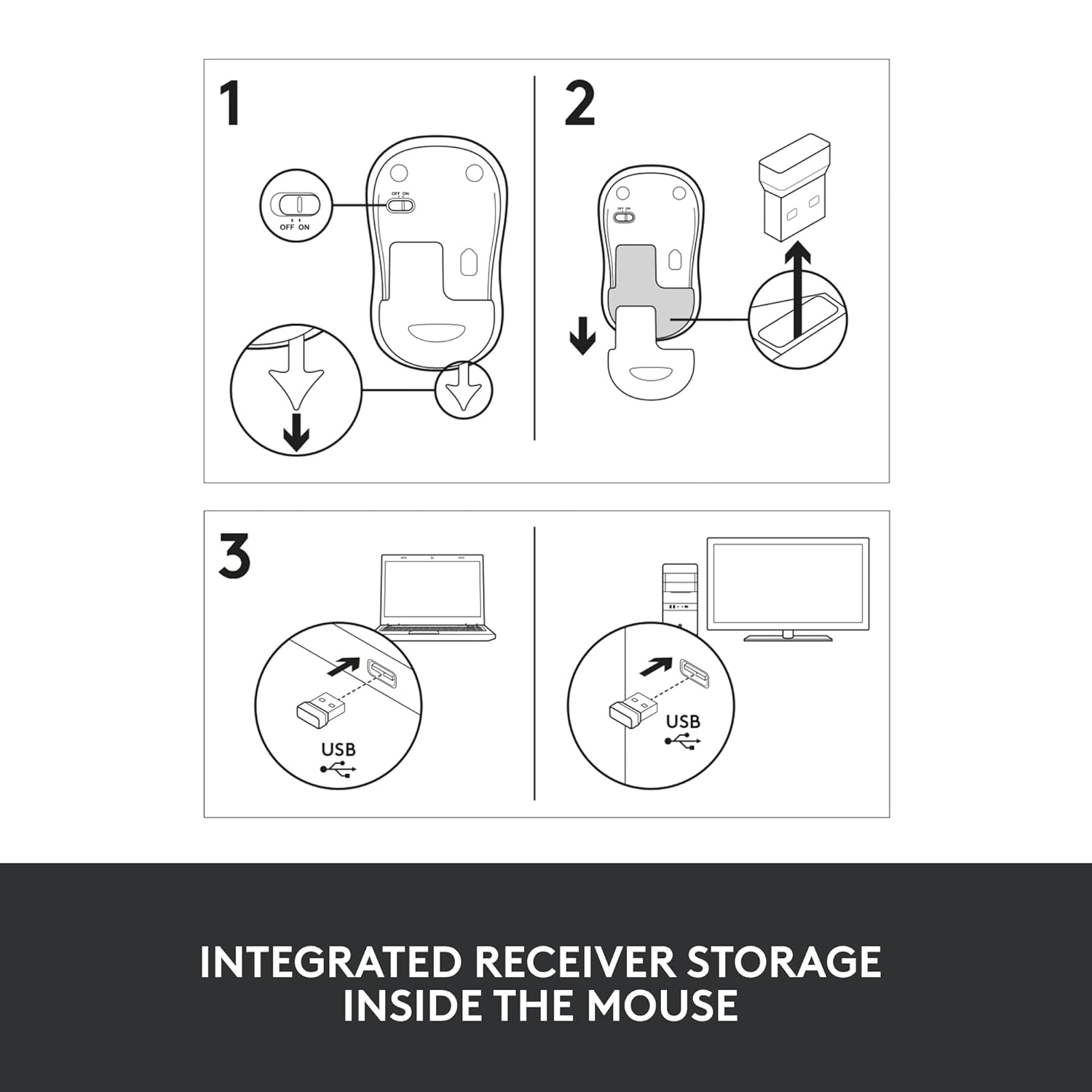
The nano receiver can remain plugged into your device, or you can store it inside the mouse’s battery compartment when not in use, ensuring you never lose it.
With so many wireless mice on the market, what makes the Logitech M185 a top choice? Here are a few reasons:
Affordable Price: The M185 offers premium features at a budget-friendly price, making it accessible to a wide range of users.
Trusted Brand: Logitech is a globally recognized leader in computer peripherals, known for producing high-quality, reliable products.
User-Friendly Design: The ambidextrous shape, plug-and-play setup, and long battery life make it a hassle-free choice for all users.
Proven Performance: Backed by studies showing increased productivity and speed, the M185 delivers tangible benefits for laptop users.
To maximize your experience with the Logitech M185, consider the following tips:
Keep the Receiver Secure: Store the nano receiver inside the mouse when traveling to prevent loss.
Use a Mouse Pad: While the M185 works on most surfaces, a mouse pad can enhance tracking accuracy.
Enable Sleep Mode: Take advantage of the smart sleep mode by briefly pausing use to conserve battery life.
Clean Regularly: Wipe down the mouse with a soft cloth to keep it free of dust and debris, ensuring smooth operation.
When compared to other wireless mice in its price range, the Logitech M185 stands out for its combination of affordability, reliability, and performance. While some mice may offer additional features like programmable buttons or RGB lighting, the M185 focuses on delivering the essentials: comfort, durability, and compatibility. For users who need a no-frills, high-performing wireless mouse, the M185 is hard to beat.
The Logitech M185 Wireless Mouse is a versatile, reliable, and affordable solution for anyone looking to enhance their computing experience. With its comfortable ambidextrous design, long-lasting battery life, universal compatibility, and plug-and-play simplicity, it’s no wonder this wireless mouse is a favorite among students, professionals, and casual users. By choosing the M185, you’re investing in a tool that boosts productivity, reduces strain, and adapts to your needs across multiple devices.
Whether you’re tired of struggling with a touchpad or looking for a portable mouse for your on-the-go lifestyle, the Logitech M185 is the perfect choice. Upgrade your setup today and experience the difference a high-quality wireless mouse can make.
References:
Logitech official product specifications.
Battery life may vary based on usage.
Productivity study conducted by Logitech, showing 50% improvement in laptop user efficiency.
Speed study conducted by Logitech, showing 30% faster task completion with a mouse over a touchpad.
Wireless range may vary based on environmental factors.


Reviews
There are no reviews yet.